So, while I'm new on BlooMilk, I've done enough poking and looking around the internet to know that tools and templates for making Star Wars Miniatures custom cards/stat blocks are slim at best.
Roughly a month ago, I started on making my own SWM plugin for Magic Set Editor. Now, the state it's currently in is not yet perfected nor necessarily 100% complete, but it is in a state that I feel is
plenty usable and thus makes the process of creating SWM customs far more accessible. I'll address more on the state of this plugin in a moment, but for those who want to just jump right in...
Here's the link to the Google Drive download.In terms of things that I already know I could do to improve on this plugin:
- First would be to add in the customizable back face. I did not initially include that as part of the template as the back side of the card is primarily decorative, and my goal was to get the functional side working first. Now that that is technically done, I can start considering this as a goal.
- I also need to add more card frame options, as right now, I only have a frame reminiscent of the pre-Clone Wars sets (chosen for my own personal nostalgia) along with the option to color the background to reflect the character's faction (instead of locking things to the classic standard blue). I would like to eventually add a Clone Wars and beyond template, and perhaps at some point I will add one reminiscent of the V-Sets, but for now, the classic frame is functional, and that is enough for me to feel comfortable publishing this.
- I am fairly certain I have included most, if not all keywords made by WotC for this game as auto-fillable (the documentation for this game is... inefficient at best, so I could have missed some things). That said, I did mildly alter a few abilities in ways that I personally felt made for a slightly more balanced game (though true balance in a game so expansive is impossible). Two such examples are Molecular Shielding and Lightsaber Reflect, with the former being a
vastly more powerful version of the latter (imo appallingly so). I made a few slight alterations to bring them a bit more in line with each other. If the alterations are not to your liking, simply right click the keyword, turn off the automatic reminder text for that word, then insert your own text. I will likely add a toggle for original WotC and rebalanced reminder text in the future, but for now, it is designed with my own preferences for my personal use in mind.
- I've also added a small number of custom keywords not originally included by WotC that I personally felt helped fill in some blanks. In this vein was also making some of the abilities more modular. If you don't like them, the simple option is to just not use them, or in the latter case, just set the values to default. Not really too much more to say on that.
- Last element on keywords: Protective, Rapport, Synchronized Fire, and Synergy usually include modular elements in their reminder text that I was unable to make function correctly just yet. Perhaps I can eventually make these work better, but for now, there are instructions built into the plugin to tell you how to use them (hint, it's a lot like what I said about editing the text above).
- There are 25 different factions/symbols included in this template. Some of the original WotC factions have had their symbols changed to be more era or thematically appropriate. However, as symbology in Star Wars is nearly impossible to get perfect (especially with some symbols for the same faction changing depending on whether you are looking at legends or canon; i've done my best to strike a healthy balance between both), I have included the .psd files needed for users to design their own. One of my future goals is to include some easier-to-modify custom slots.
- I've done a fair amount of testing, but I can't claim to have tried every possible option or combination thereof. If any bugs or errors arise, or if anything is noticed as missing, please feel free to notify me here and I'll aim to fix it to the best of my ability. Suggestions and such are also welcome.
- Last thing I'd like to do is maybe eventually build some appropriate documentation for this plugin, but that's a distant goal for now.
In all, I know that everything won't necessarily be to everyone's liking just yet, but hopefully this is a decent first step toward making customs just a bit more accessible. I'll do my best to be responsive and provide updates in reasonable timeframes, but real life can be unpredictable, so I ask for patience if I'm not the swiftest in answering or helping.
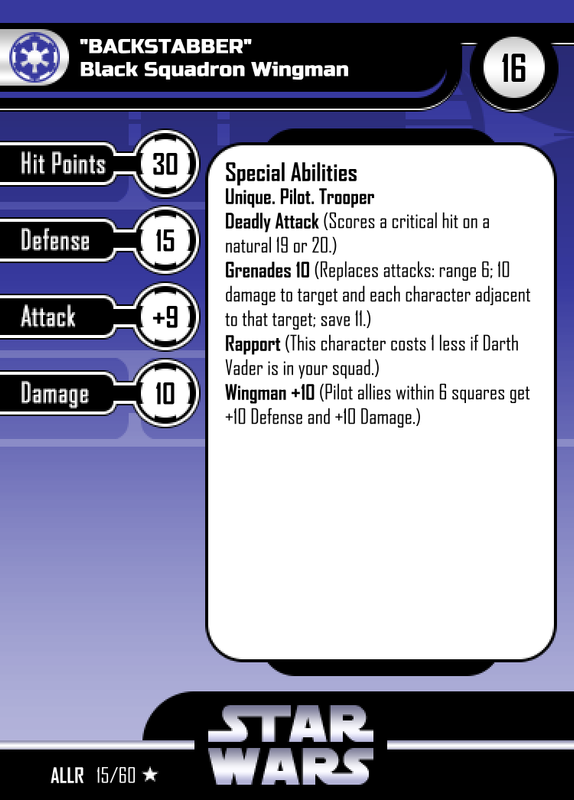
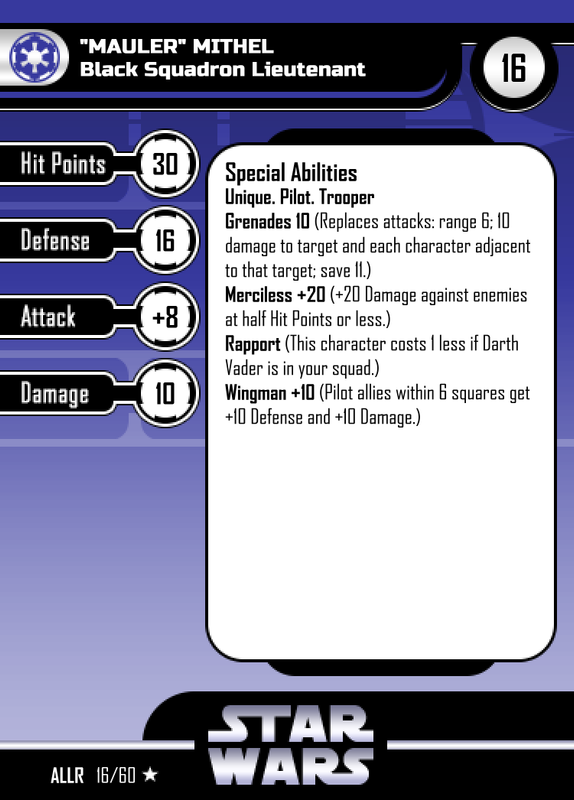
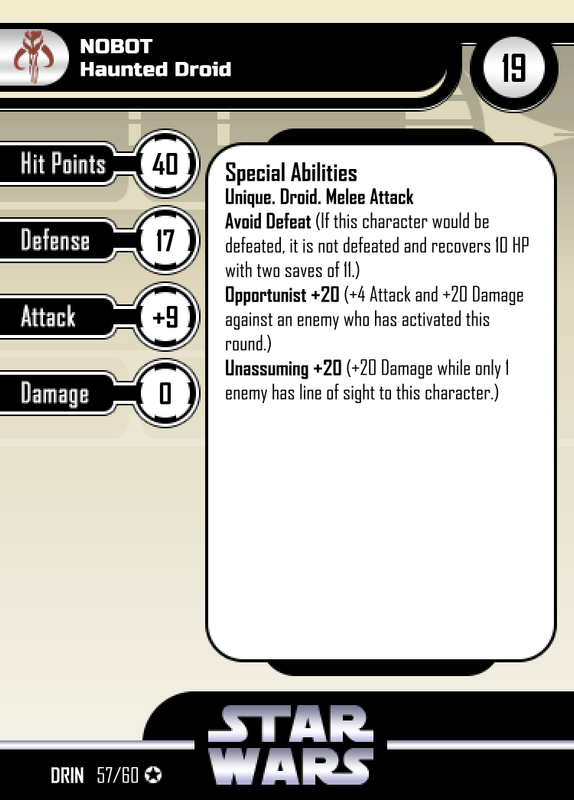
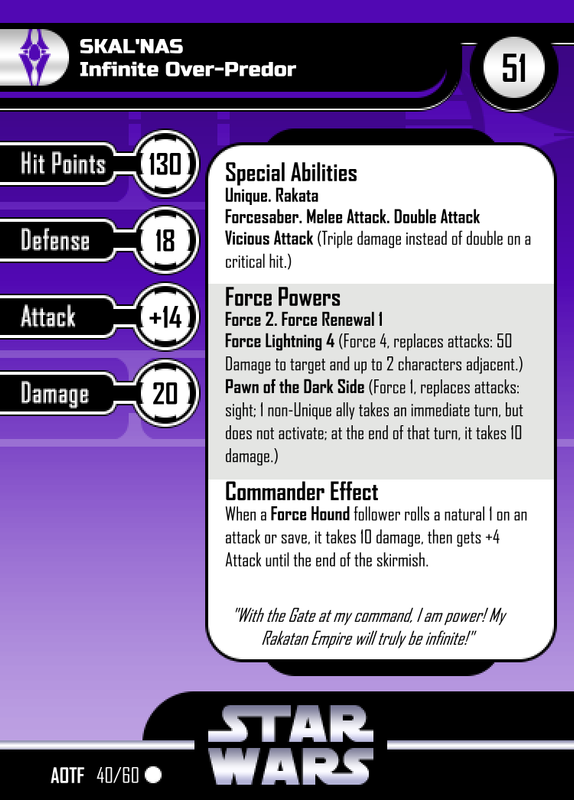
EDIT: Here's a small batch of quickly-thrown-together examples using the plugin: